How libraries can help people use the NHS App
How your library can help people use the NHS App and benefit from online health services.
Why libraries could support people to use the NHS App
Digital exclusion typically refers to when someone is unable to benefit from online services due to a lack of basic digital skills or affordable internet access. Those experiencing digital exclusion are often in demographics that also face poorer health outcomes.
While traditional routes to the NHS will always remain available, the NHS App offers a simple and secure way to access NHS services online, without having to wait in a phone queue or visit a GP surgery.
Using the app, you can request repeat prescriptions, manage appointments, get trusted health advice and more, at a time convenient to you.
Too often, someone may be excluded from using digital services due to perceptions about their age or ability; they may just need a bit more help to use these services. In the same way services such as banking can be done online, many people want to use the NHS App, but don’t know how to use it or aren’t aware of the benefits it can offer them.
There are different ways you can approach supporting people to use the NHS App, and you don’t have to be tech savvy yourself to help people benefit from online health services in your library.
The NHS have partnered with public libraries as they offer a secure, trusted, warm space where people can get support to use digital health services.
How the NHS App works
The NHS App helps people to get well, stay well and manage their healthcare.
How my library can get involved
There are different ways your library can approach helping people to use the NHS App; or use the same online services on the NHS website.
You don’t have to be a tech expert or be confident in using online services to get started.
Make sure to email [email protected] to sign up to the partnership or to express your interest if you’re not sure where to start.
Consider one of the following approaches to help people in your library learn about, and use, the NHS App.
How to connect with the NHS and your local GP surgery
Reach out to your local GP surgeries by phone, email or visiting in person.
Let them know you’re hosting a session and ask whether a member of the surgery is available to come to the library to run a session, to join a current group you run to talk about the app or to help your team create their own sessions.
Having the support of the NHS locally can really help with the success of the service.
If no one at your local surgeries is able to support this initiative, contact [email protected] who may be able to help you find your local NHS digital lead.
Public health teams in local government may also be interested in helping with service delivery; you could consider contacting your local council and public health team.
If you are unsure at any point about a question someone has raised about the NHS App, direct them towards their GP surgery.
Other tips for promoting the NHS App
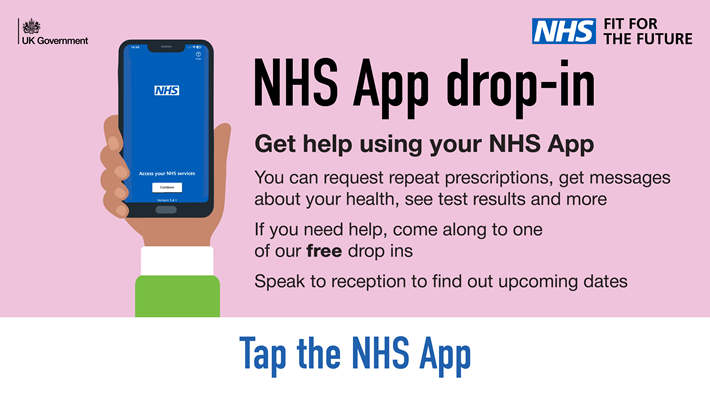
You can find promotional materials for the NHS App and its most popular services in the NHS App promotional toolkit. This includes posters, website images, social media images and messages to promote the app.
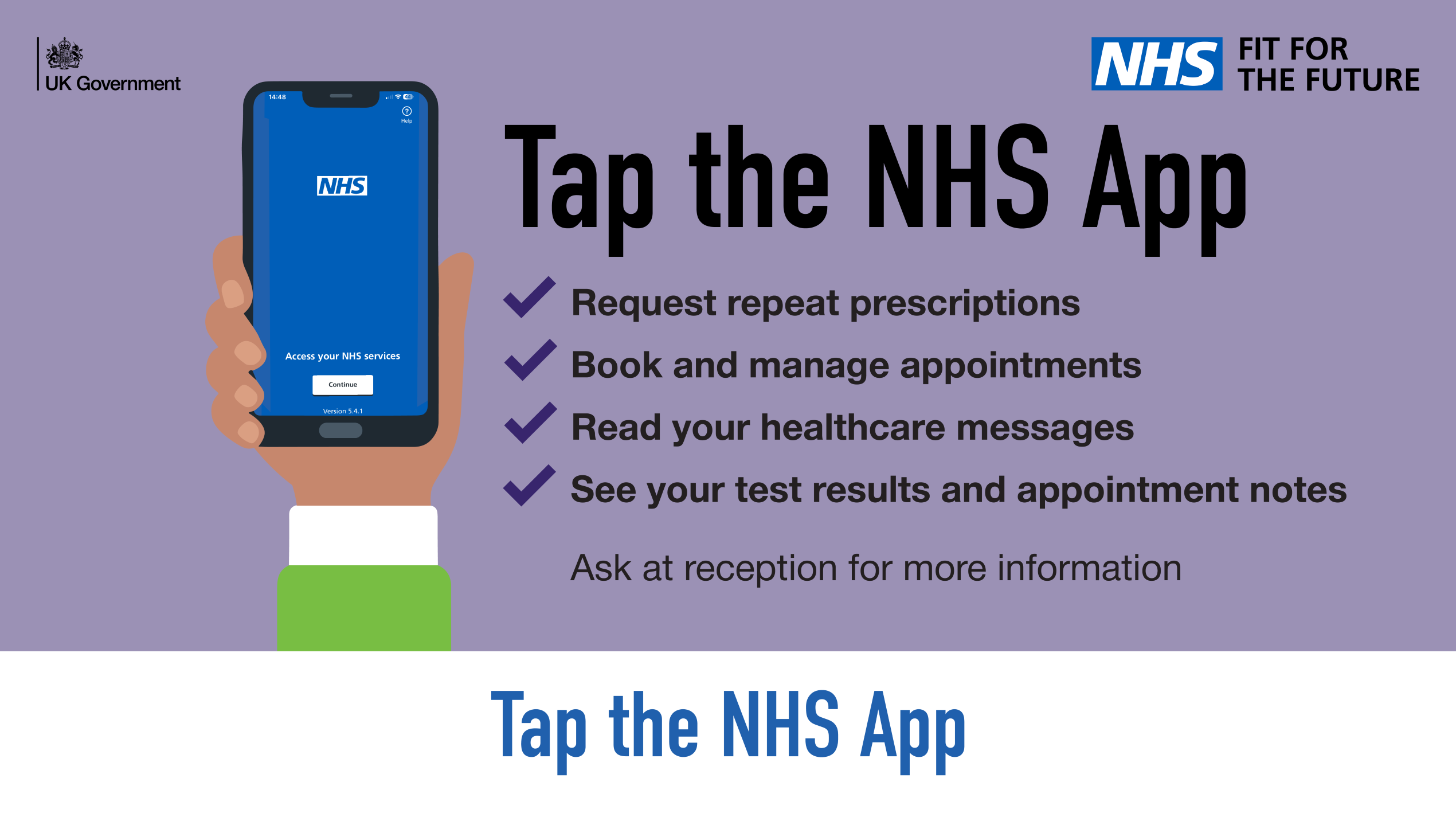
The general toolkit also contains screensavers and files to send to a professional print shop for a roll up banner and t-shirt.
Other places people can get trusted health advice
Find more trusted websites with useful health information, such as information on health conditions, symptoms and how medicines work, as well as books and digital resources from the national NHS library and knowledge services team.
Keep up to date with the latest on the NHS App by signing up to our NHS App update.
Last edited: 21 October 2026 4:56 pm