Sign in design patterns
Work out how your CIS integration will look for your users, including whether to use it as your primary sign in or an alternative sign in.
Overview
At a high level, the CIS2 Authentication user journey looks like this:

As part of your user experience design, you'll need to:
- decide whether to use the Care Identity button
- decide whether CIS2 Authentication will be your primary sign method in or an alternative sign in meth
Primary versus alternative sign in
There are 2 different ways you can integrate CIS2 Authentication into your application:
- as the primary sign in method
- as an alternative sign in method
Primary sign in
Recommended option
We strongly recommend you use this option - it aligns with our single sign-on strategy and gives a better user experience with less chance of being asked to re-authenticate.
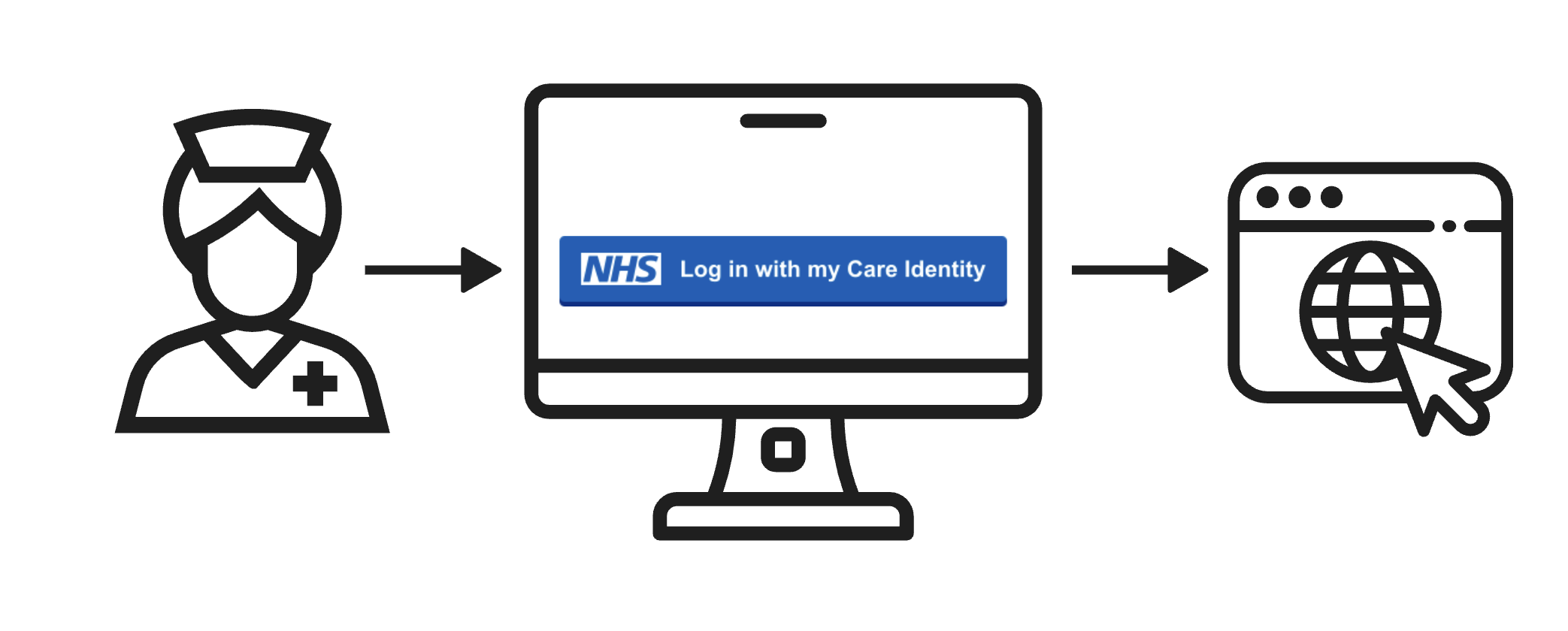
You can use CIS2 Authentication as your application’s primary and only sign-in method. If you do this, you won’t need to develop or maintain your own user registration and sign-in capability.
An example of this approach is the Cervical Screening Management System.
Alternative sign in
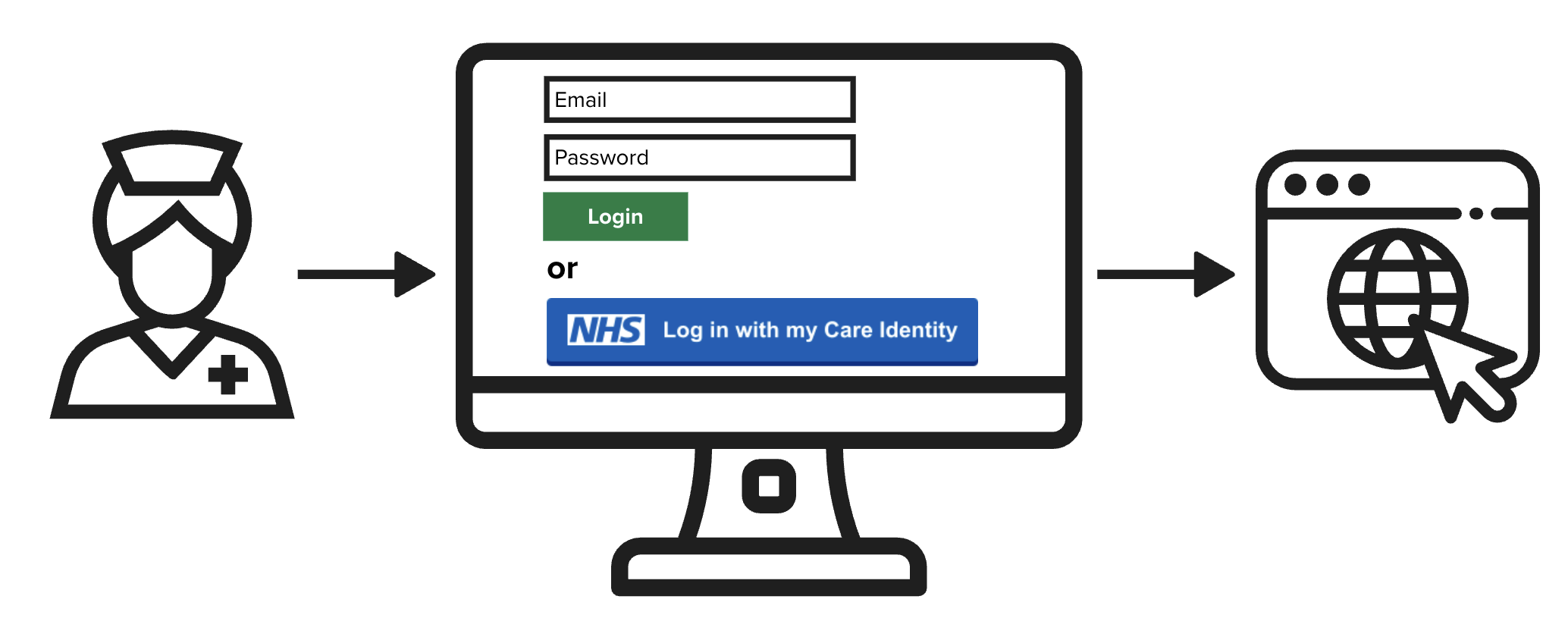
You can provide your users with the option to sign in using CIS2 Authentication as an alternative to your primary sign-in method. If you do this, you’ll need to maintain your own user registration and sign-in capability alongside CIS2 Authentication.
An example of this approach is Data Landing Portal.
Step-up sign in
Step-up sign in is where:
- The user signs in to your application with their local credentials.
- At the point of needing to interact with a national service, such as a user-restricted API, the user is required to sign in with their Care Identity.
Unsupported
We do not support step-up sign in - it goes against our single sign-on strategy because it requires the user to sign in multiple times with multiple identities.
Last edited: 1 October 2026 2:35 pm