Assuring Transformation Clinical Audit Platform exporting a patient extract
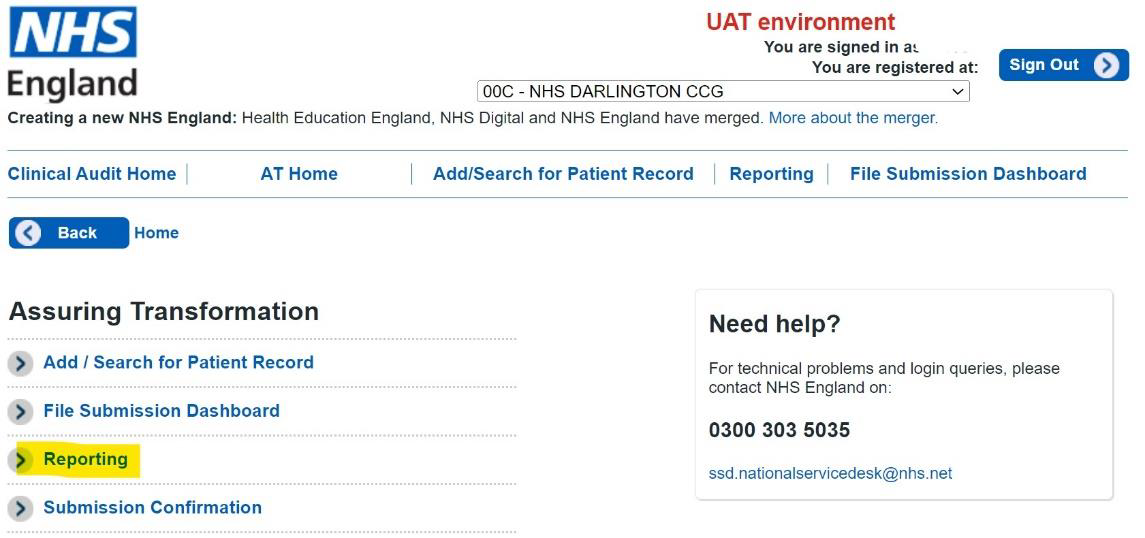
1. From the Assuring Transformation CAP home page, select Reporting.
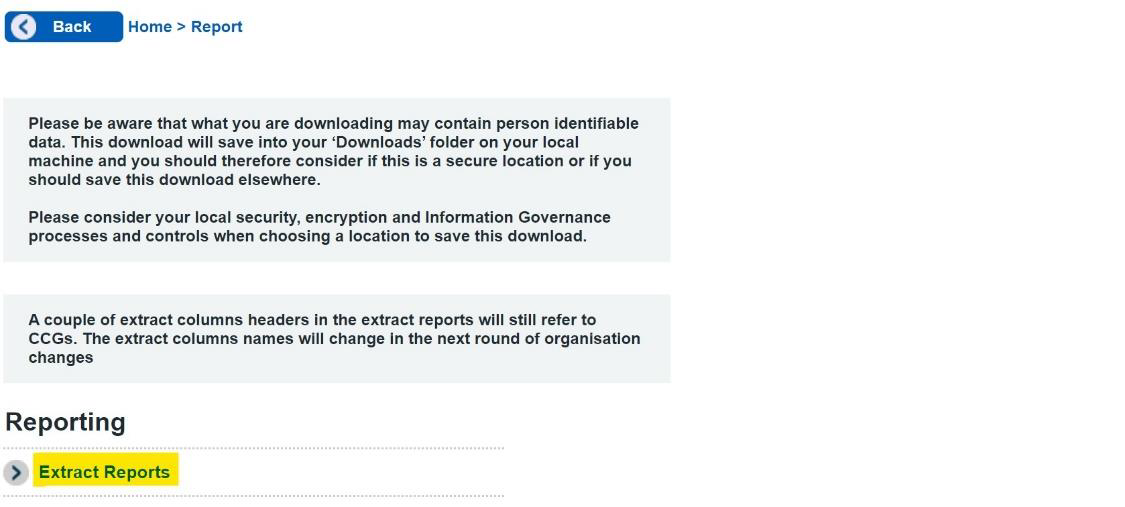
2.. Select Extract Reports.
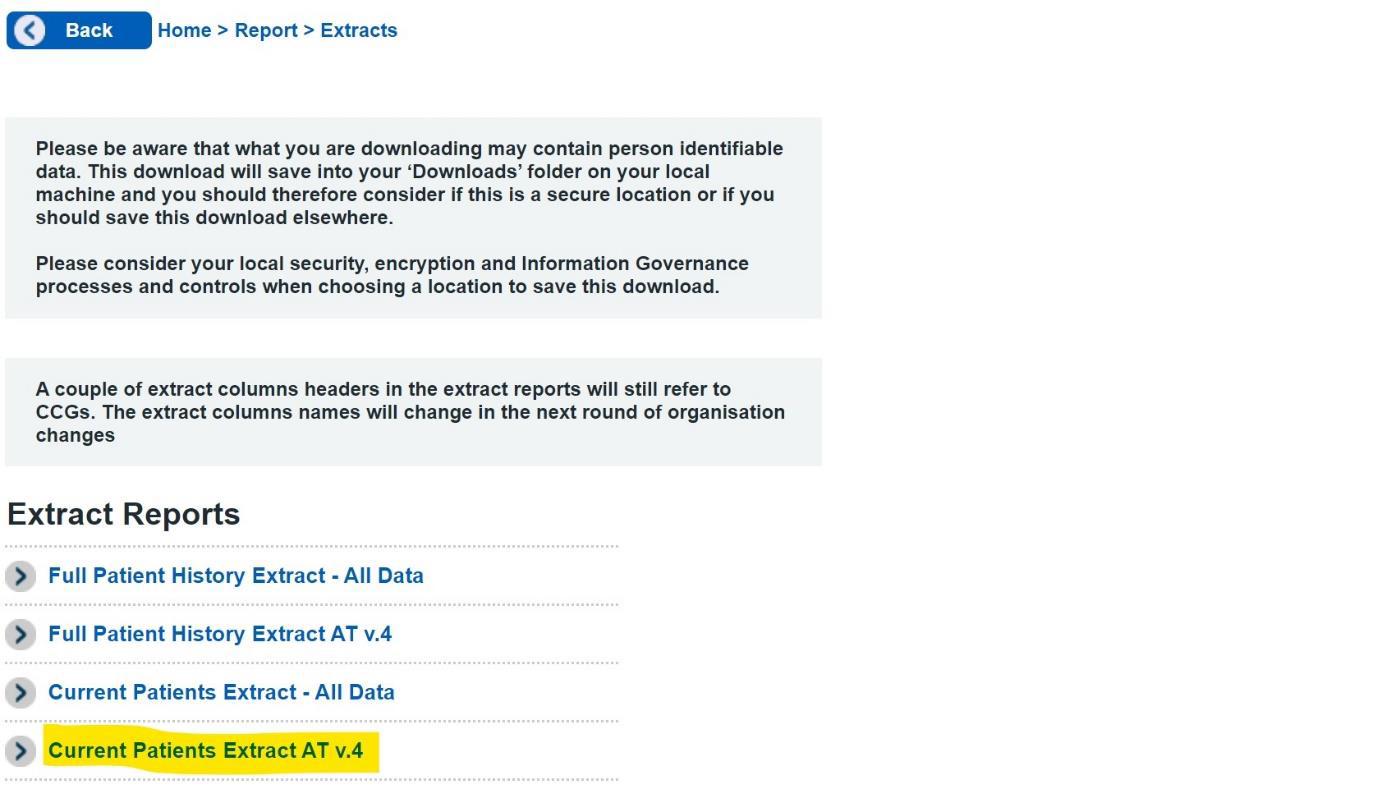
3. Select the extract to export. The Current Patient Extract v4 may also be used as a Status Submission upload.
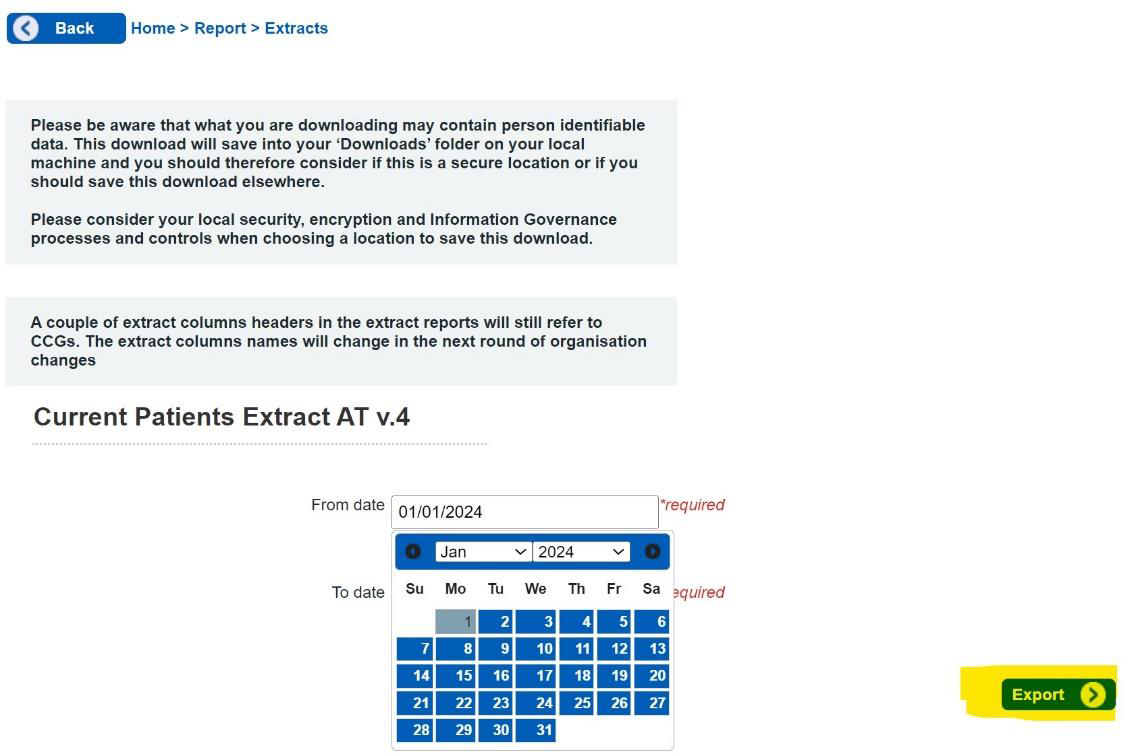
4. . Enter the date range for the extract, then click Export.
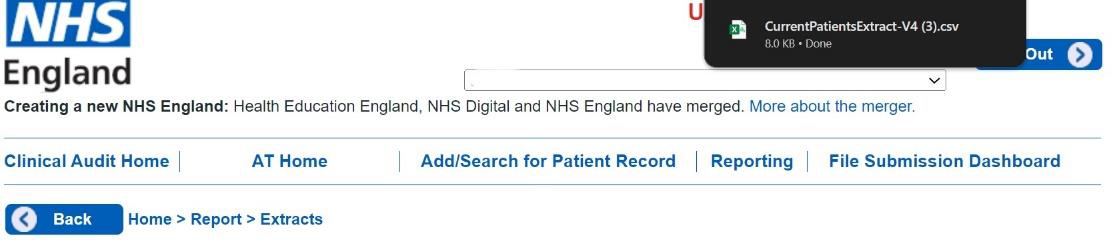
5. The exported extract will be saved to the Downloads folder.
Last edited: 21 March 2024 10:33 am