Print a list of daily appointments
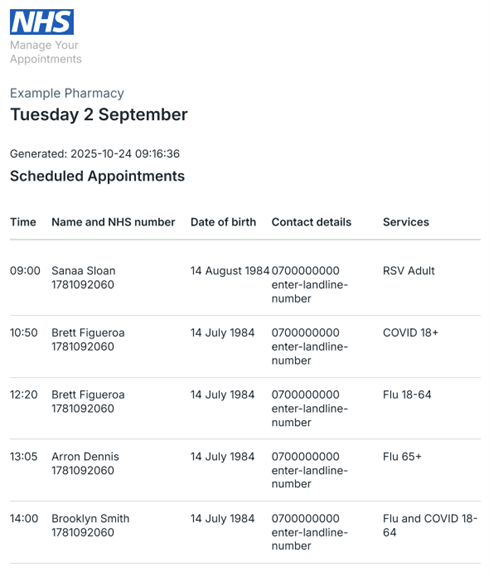
Print a list of all appointments on a day.
Go to your clinics list
Select 'Clinics' on the main navigation menu. Then select 'Create and manage clinics' on the sub-navigation menu.
You’ll always find the 'Print page' button in the Day view. The Day view is where you can see a list of people who have booked in for a particular day.
You can also use the Week view to find the day’s appointments that you want to print. Select 'Week view', find the day you are looking for and select 'View daily appointments'.
Click on 'Print page'.
You should then see a popup from your printer. Check your settings are accurate and then select 'Print'.
Last edited: 3 September 2026 9:07 am